What Is Embroidery Digitizing? From Artwork to Embroidery File
One of the most common questions in machine embroidery is:
“Can you convert my logo into a PES or DST file?”
The short answer is yes, but creating a good embroidery file involves much more than simply changing the file extension.
The process is called embroidery digitizing.
What does embroidery digitizing mean?
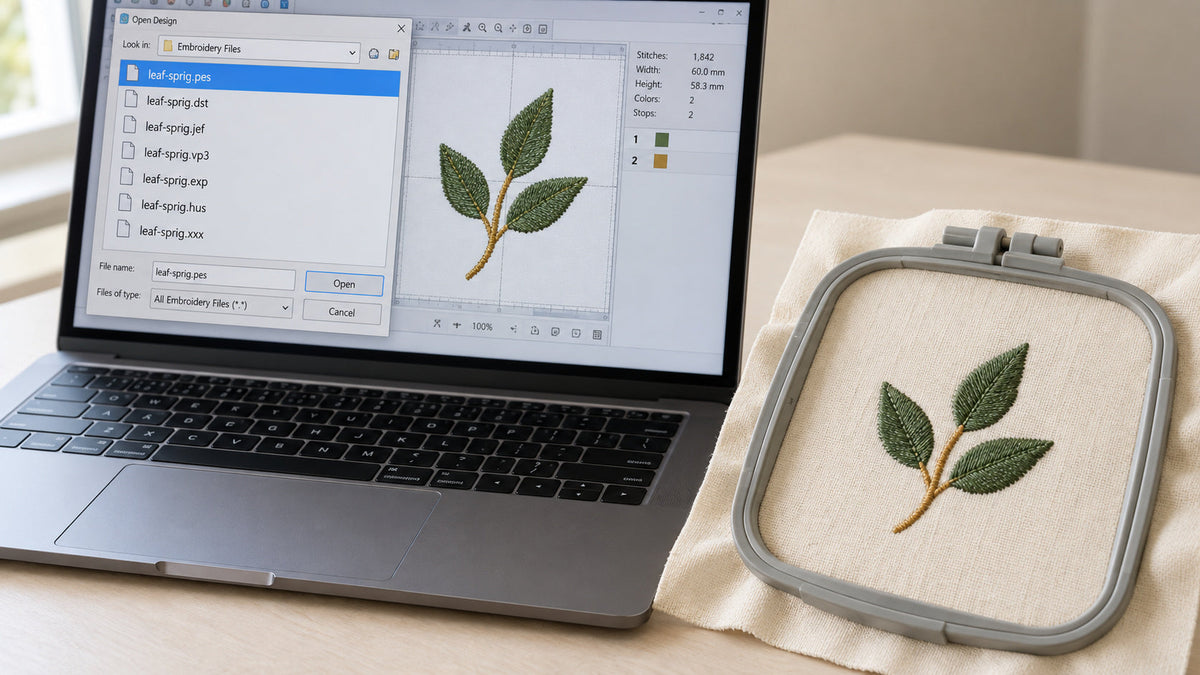
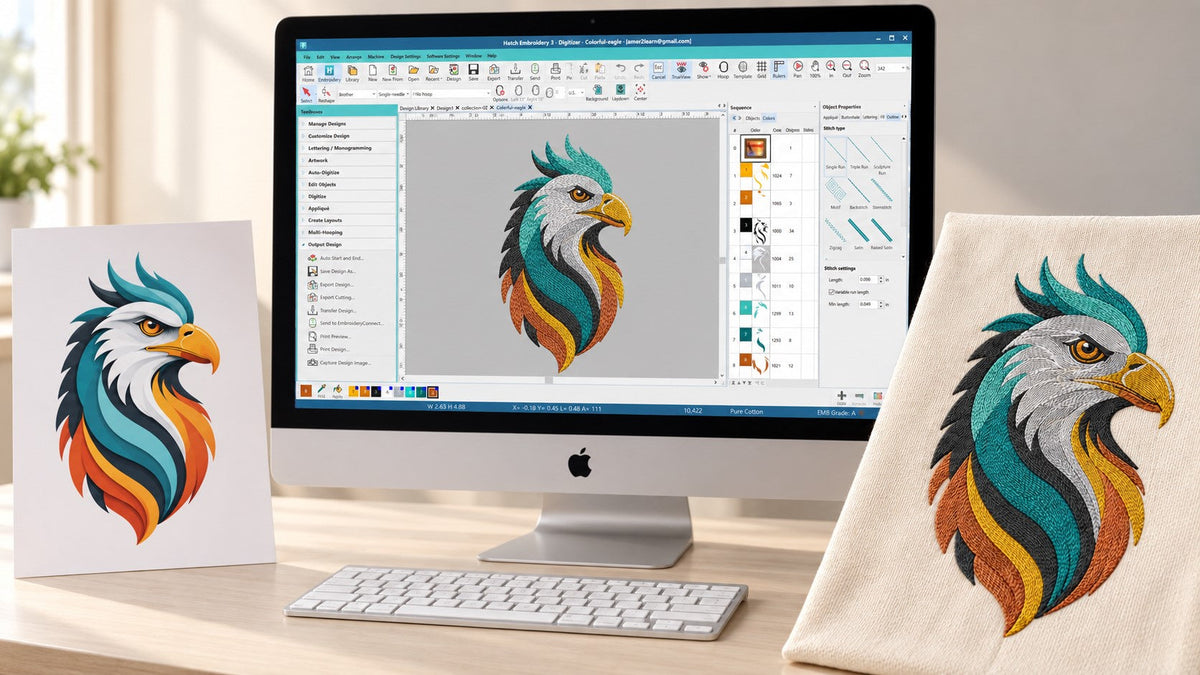
Embroidery digitizing is the process of interpreting artwork and creating stitch instructions that an embroidery machine can understand.
A digitizer decides how each part of the design should be embroidered.
That can include choices about:
- stitch type
- stitch direction
- density
- underlay
- sequencing
- pull compensation
- trims
- color changes
These decisions affect both the appearance of the finished embroidery and how smoothly it runs on the machine.
Why can't a PNG or JPG simply be converted?

A PNG or JPG contains pixels.
It can show your embroidery software where the shapes and colors are, but it does not tell an embroidery machine how to sew those shapes.
For example, imagine a simple embroidered letter.
The embroidery machine still needs to know where the stitches begin, which direction they travel, how wide the satin stitches should be, what underlay to use and where the object ends.
Those decisions must be created during digitizing.
Choosing the right stitch type
Different artwork requires different embroidery techniques.
Satin stitch
Satin stitch is commonly used for lettering, borders and relatively narrow shapes.
Its smooth surface can create a beautiful professional appearance when the shape and size are suitable.
Fill stitch
Fill stitches cover larger areas that would normally be too wide for satin stitching.
The digitizer can adjust the stitch angle and pattern to improve both appearance and stability.
Running stitch

Running stitches are useful for fine details, outlines and lightweight decorative elements.
Depending on the project, variations such as triple run or bean-style stitching can create a stronger hand-stitched appearance.
Underlay matters
Underlay is a foundation of stitches placed beneath visible embroidery.
The customer may barely notice it in the finished design, but it can have a major effect on stability.
Appropriate underlay can help support the fabric, reduce distortion and improve the appearance of the top stitches.
Pull compensation
Embroidery thread and fabric move during stitching.
A shape that looks perfect on a computer screen may become narrower or distorted when stitched if this movement is not considered.
Digitizers use pull compensation to help account for this behavior.
The amount needed depends on the design, stitch type, material and other factors.
Stitch order and trims
Good digitizing is also about efficiency.
A design containing unnecessary jumps, color changes or trims can take longer to embroider and require more cleanup afterward.
Whenever possible, the stitch sequence should be planned so the design runs logically while maintaining good visual quality.
Fabric changes the way a design should be digitized

A logo intended for stable woven fabric may require different settings from the same logo embroidered on:
- a polo shirt
- a sweatshirt
- a towel
- a cap
- stretchy knit fabric
That is why fabric or project information is useful when ordering custom digitizing.
Why size matters
Embroidery designs cannot always be reduced or enlarged indefinitely.
When a design becomes too small, fine details may no longer have enough physical space to stitch cleanly.
When a design becomes much larger, stitch types, density and object construction may also need to change.
For best results, it is helpful to tell the digitizer your intended embroidery size before the file is created.
What should you send to a digitizer?
For a custom project, provide the clearest artwork available.
Vector artwork is excellent when available, but high-resolution PNG, JPG or PDF artwork can also work well for many designs.
You should also provide:
Desired embroidery width or height,
machine file format, and
fabric or intended product.
If the design includes text, supplying the font name can also help.
Professional digitizing is part technical and part artistic
There is rarely only one possible way to digitize a design.
Two files may look almost identical on the computer screen but stitch very differently.
Good embroidery digitizing balances:
appearance, stability, machine efficiency and the limitations of thread and fabric.
That is why the final stitch-out matters more than the appearance of the digital preview alone.
Custom digitizing at Amer Embroidery Studio
At Amer Embroidery Studio, custom artwork is prepared with attention to stitch direction, density, sequencing, trims and overall embroidery quality.
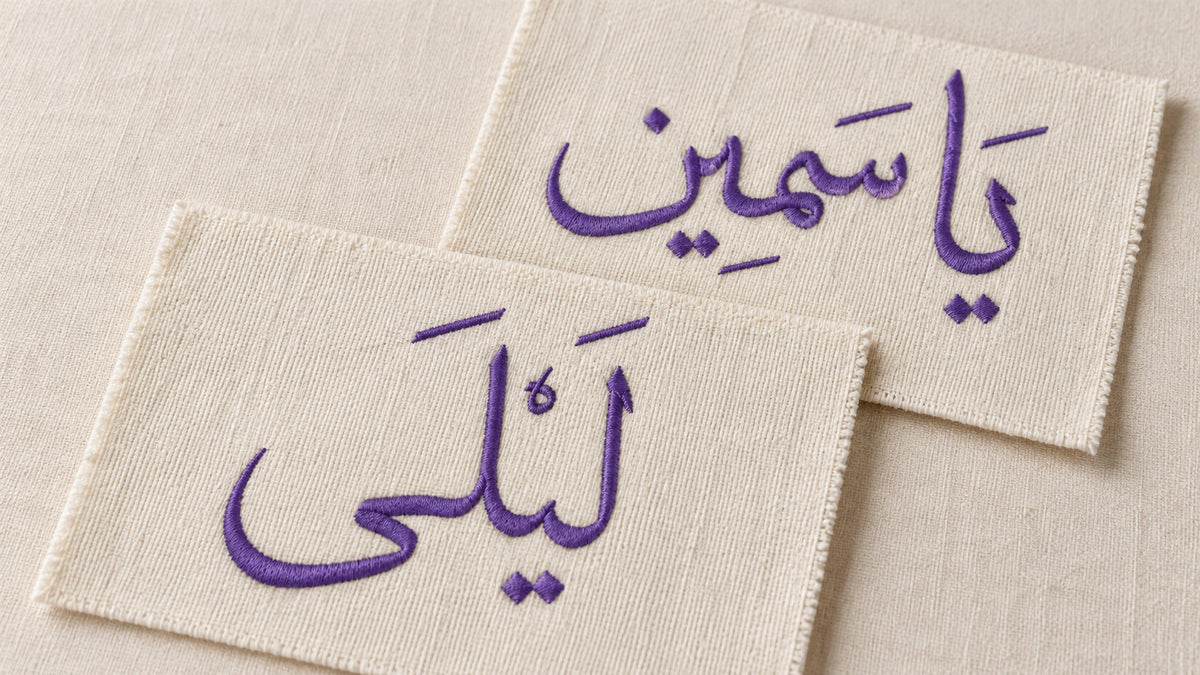
You can submit logos, illustrations, handwriting, lettering and other custom artwork for digitizing.