Artikel: Embroidery File Formats Explained: PES, DST, JEF, VP3 & More
Embroidery File Formats Explained: PES, DST, JEF, VP3 & More
If you are new to machine embroidery, downloading a design can quickly become confusing.
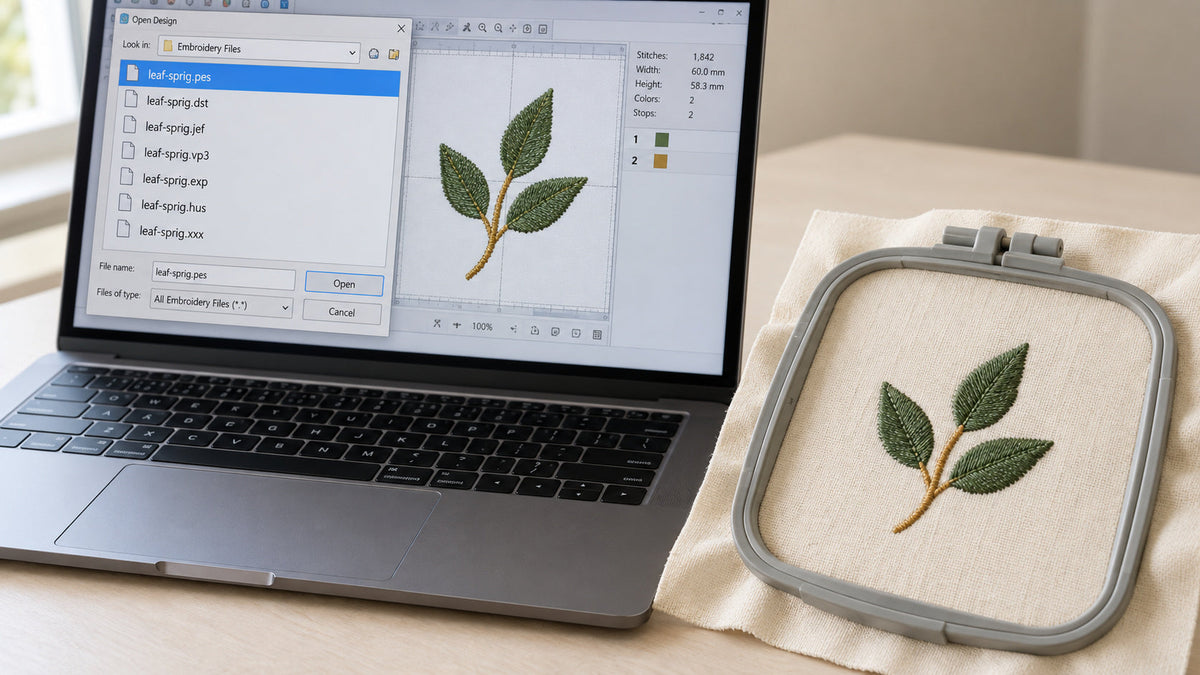
You find a design you love, click the product page, and suddenly see a list such as:
PES • DST • JEF • VP3 • EXP • HUS • XXX
Which one should you use?
The good news is that you normally need only one format: the format supported by your embroidery machine or software.
What is an embroidery file format?
A machine embroidery file is different from a normal image such as JPG, PNG or SVG.
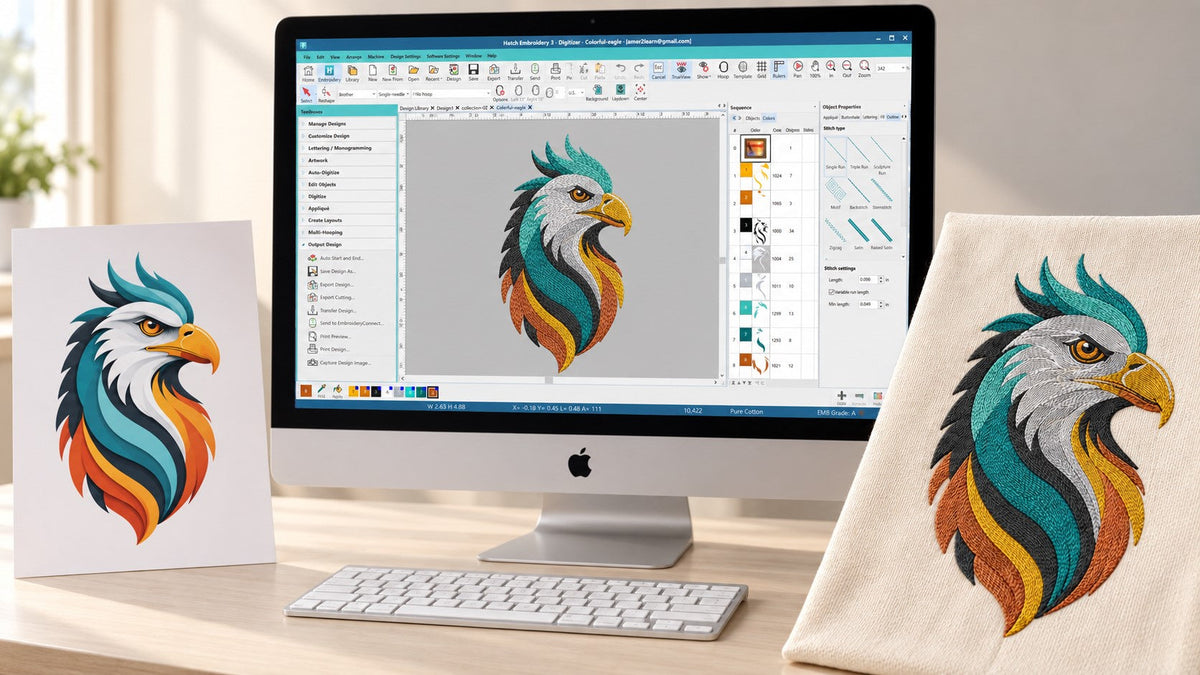
An image describes how artwork looks. An embroidery file contains information that your machine uses to create stitches.
Depending on the format, the file may include information about stitch placement, color changes and other machine instructions.
That is why you cannot normally place a PNG image directly onto an embroidery machine and expect it to stitch.
The artwork must first be digitized into embroidery stitches.
PES
PES is one of the most common embroidery formats and is widely associated with Brother and Baby Lock embroidery machines.
If you own one of these machines, PES will often be the format you need.
It is also supported by many embroidery software programs, which makes it a very common format when buying downloadable embroidery designs.
DST
DST is one of the most widely used commercial embroidery formats.
It was originally developed for Tajima embroidery equipment and is now supported by a very large number of embroidery machines and software programs.
DST is especially common in professional embroidery shops because of its broad compatibility.
One important difference is that DST files generally focus primarily on stitch information rather than preserving detailed thread-color information in the same way some newer formats do.
For this reason, always keep the design's color chart or worksheet available when using DST.

JEF
JEF is commonly used with Janome embroidery machines.
If your machine is a Janome, JEF may be the preferred format.
However, different Janome models can have different hoop and design-size limitations, so you should always make sure the design dimensions fit the hoop you plan to use.
VP3
VP3 is commonly associated with Husqvarna Viking and Pfaff embroidery systems.
It is a modern embroidery format capable of carrying useful design information and is frequently requested by owners of these machines.
EXP
EXP is another professional embroidery format and is supported by several embroidery systems.
You may encounter it with commercial equipment and certain Bernina workflows.
As always, check your specific machine or embroidery software documentation before choosing a format.
HUS and XXX
HUS is an older format commonly associated with Husqvarna Viking systems.
XXX is another embroidery format supported by some embroidery machines and software, including certain Singer-related workflows.
These formats are less commonly requested today than PES, DST or JEF, but many embroidery customers still use machines that require them.
Which embroidery format should I download?
The easiest method is to check your machine's manual or the manufacturer's supported-format list.
For example, if your machine accepts PES files, download the PES version of the design.
You normally do not get a better-looking stitch-out simply because one file extension is different from another. The quality primarily comes from how well the design was digitized.
The format simply allows the embroidery machine to read that digitized information.
Can I convert one embroidery format into another?
In many embroidery software programs, you can open one machine format and save or export it into another compatible format.
However, conversion does not repair poor digitizing.
If a design has incorrect density, bad stitch direction, excessive trims or unsuitable underlay, changing .DST into .PES will not solve those problems.
Good embroidery begins with good digitizing.
What formats does Amer Embroidery Studio provide?
Most designs at Amer Embroidery Studio are supplied in several popular machine embroidery formats so you can select the one that works with your machine.
Always check the individual product description for the exact formats and sizes included.
If you are unsure whether a design will work with your embroidery machine, contact us before purchasing and tell us your machine model.
Need a custom embroidery file?
If you have your own logo, artwork, handwriting or custom design, it must first be professionally digitized before your embroidery machine can stitch it.